Love it!
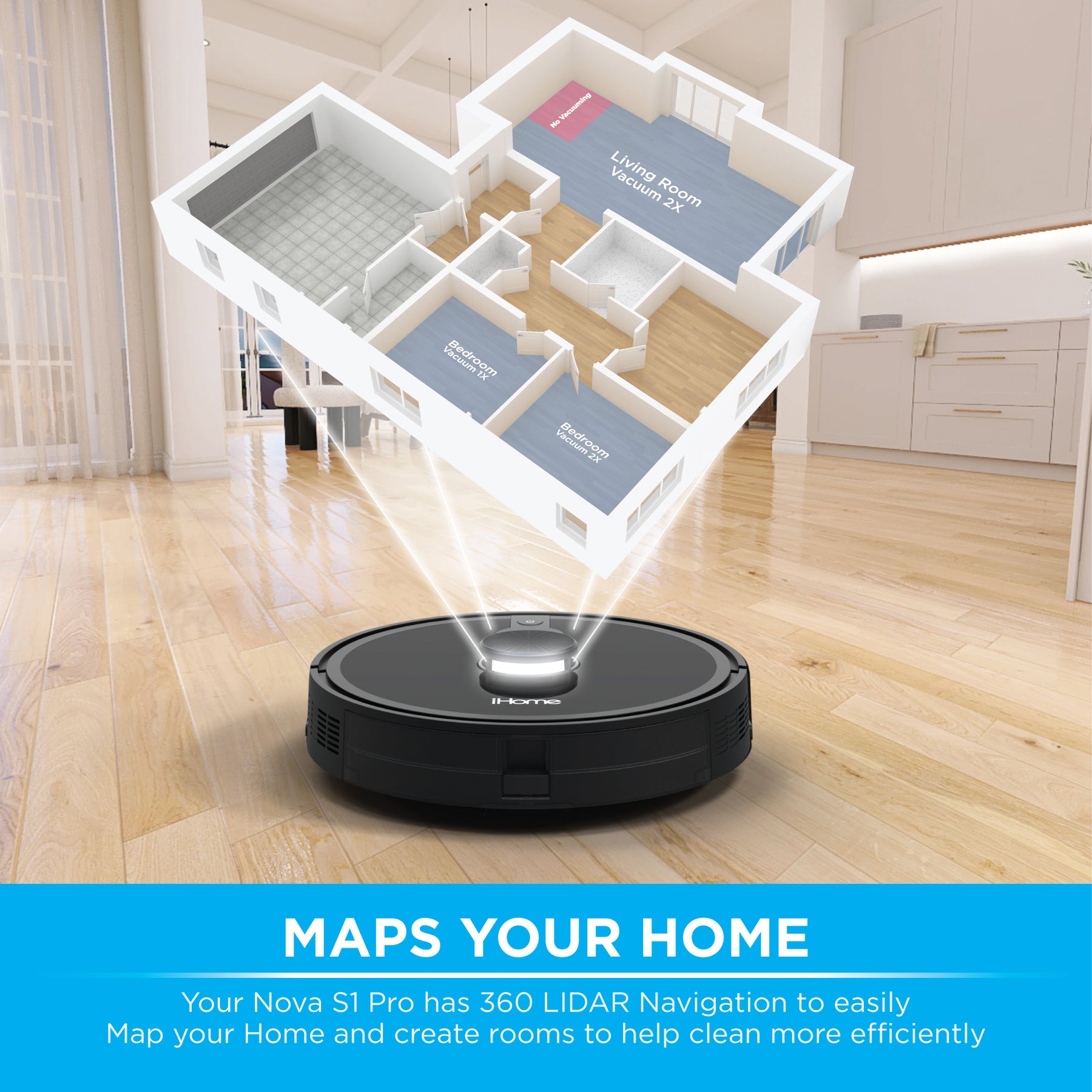
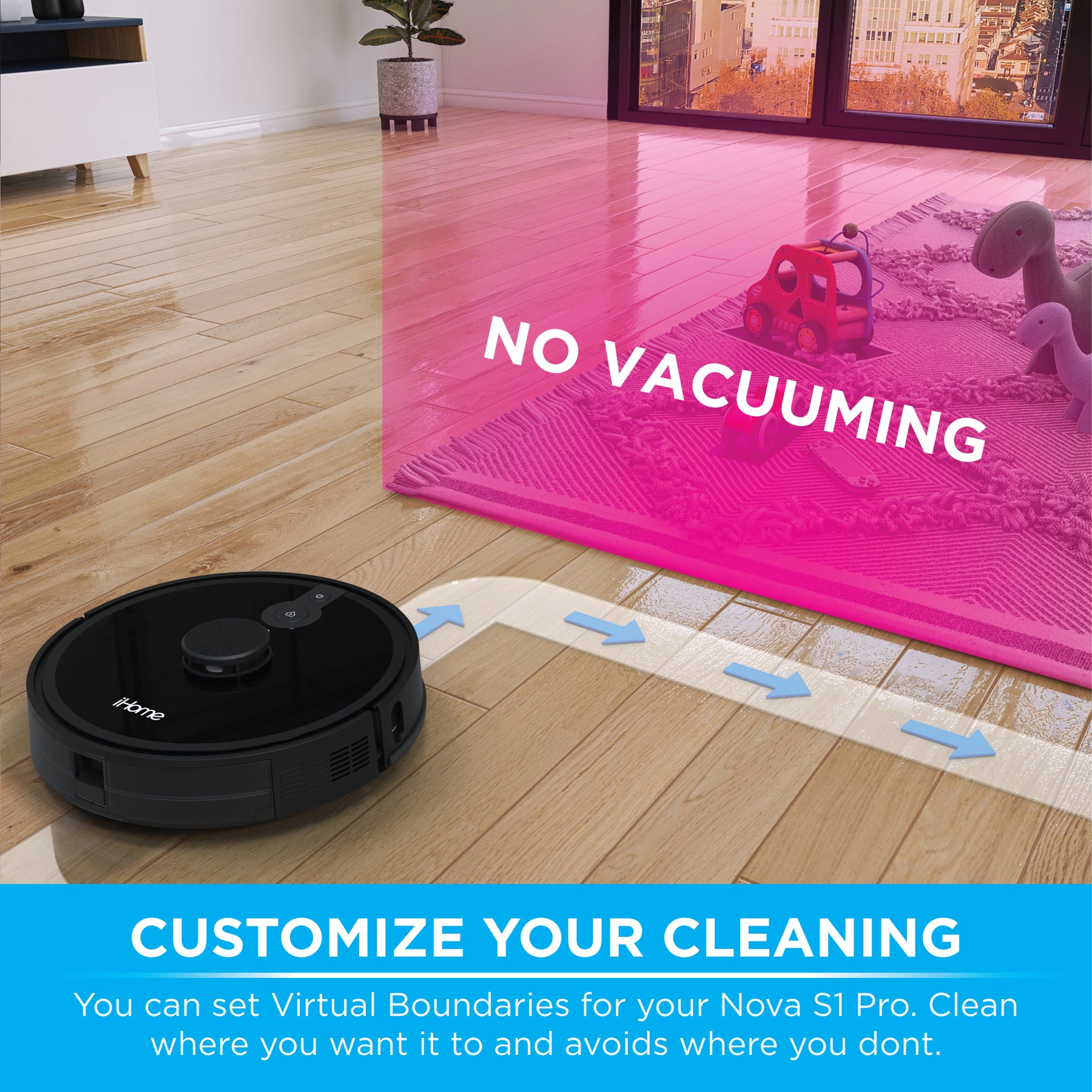
"Very happy with it so far! Mapping ability is amazing and being able to add "no go" areas is super helpful. Seems to do a great job on everyday messes from two little boys and inside pets!"
Cart
Your cart is empty


Key Features
Overall rating: 4.911917 / 5 from 386 reviews.
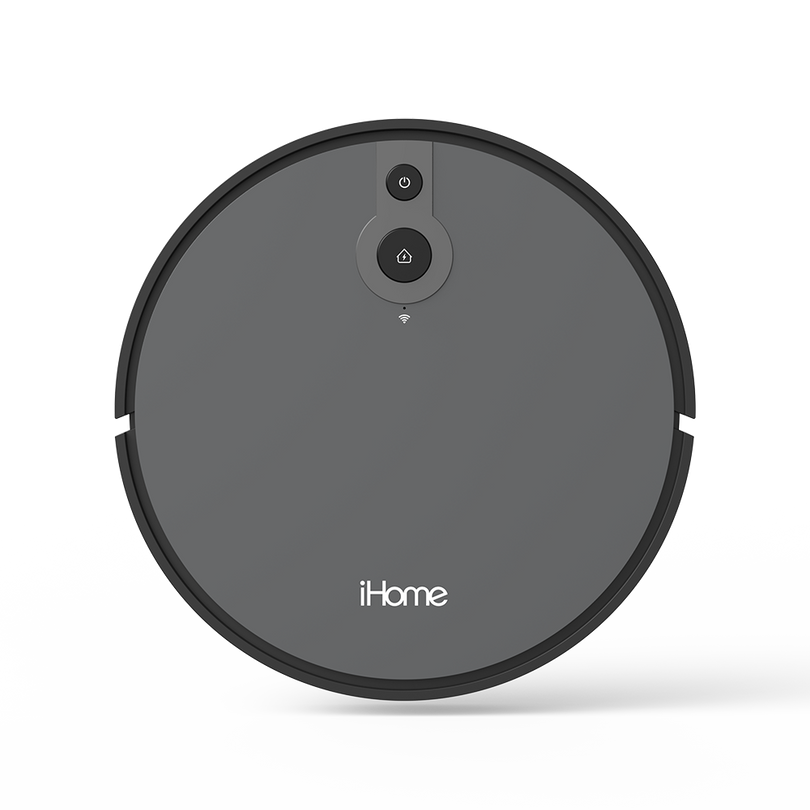
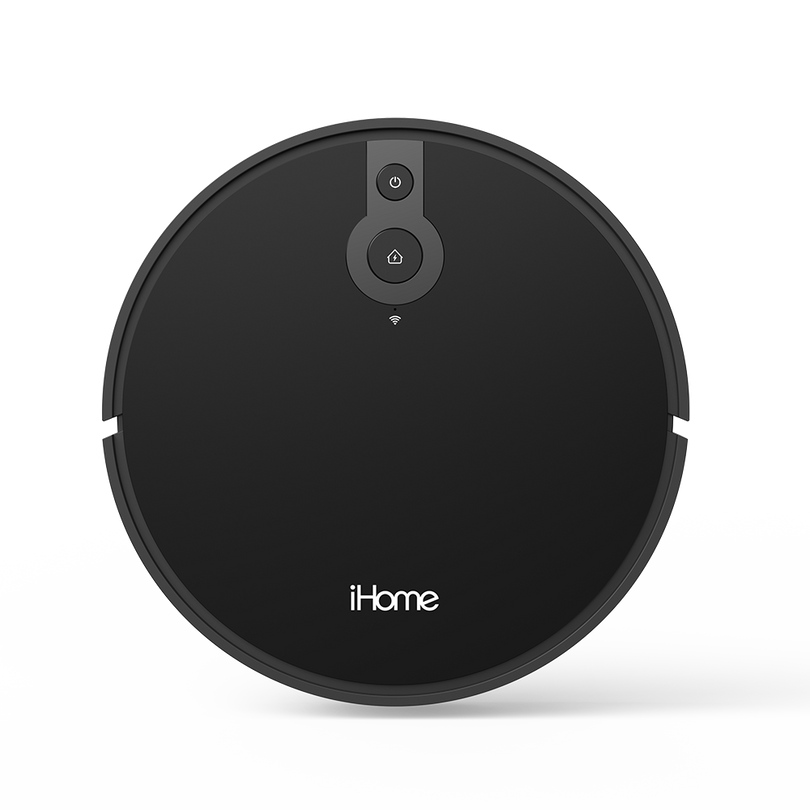
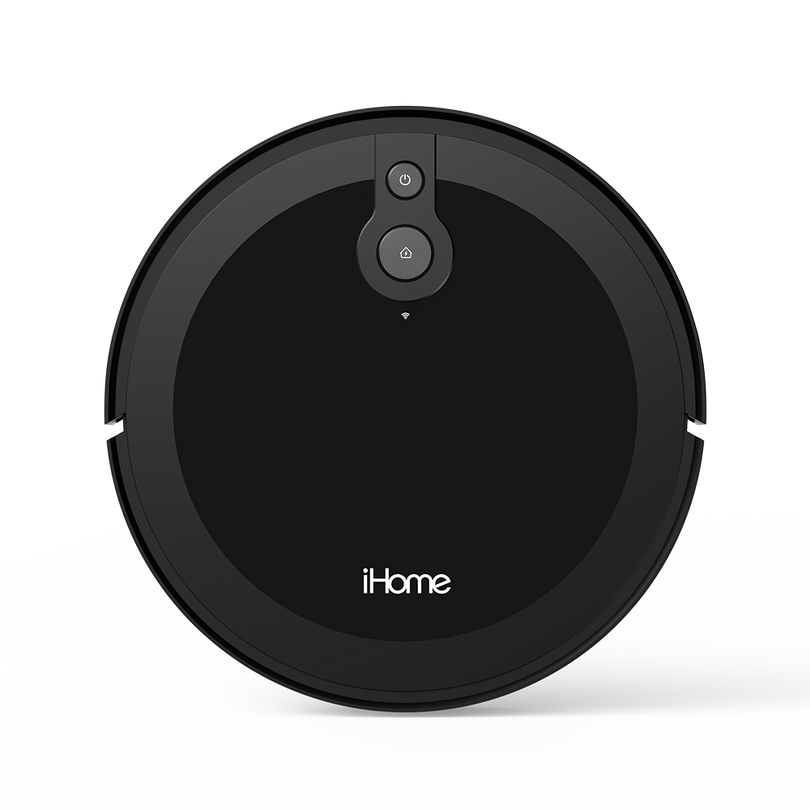
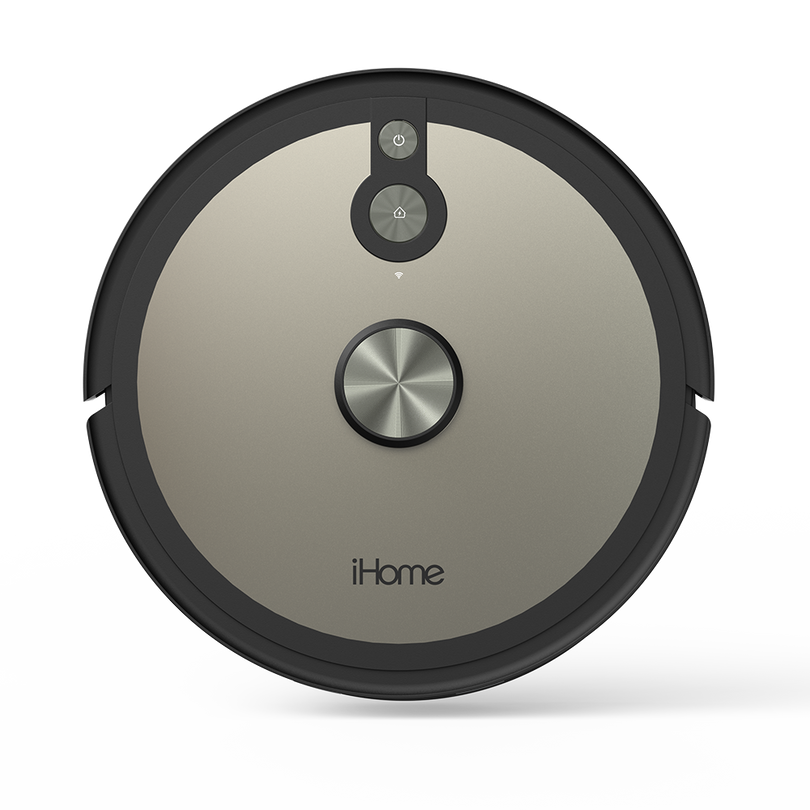
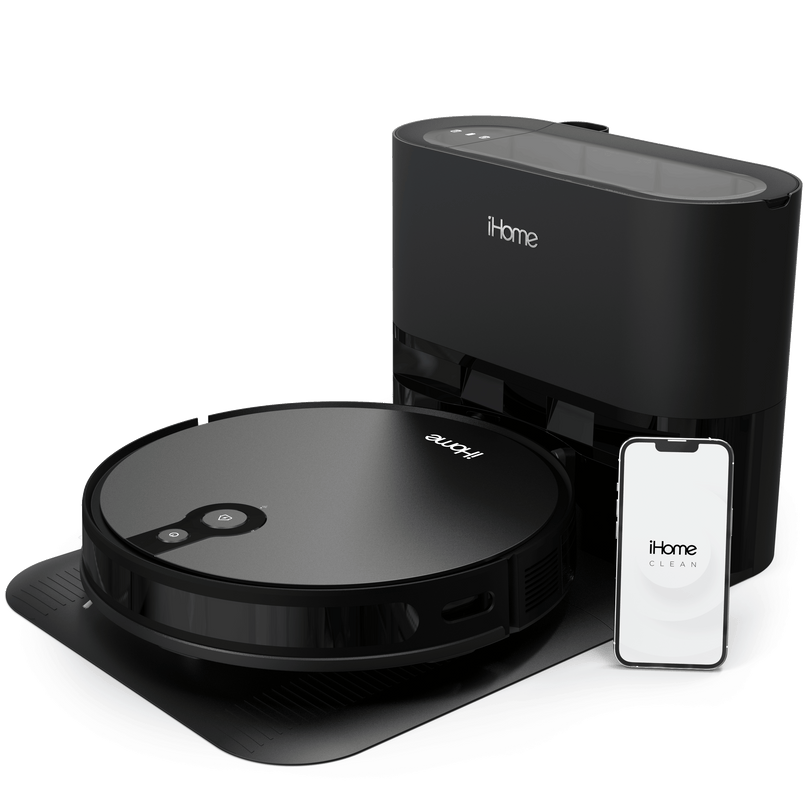
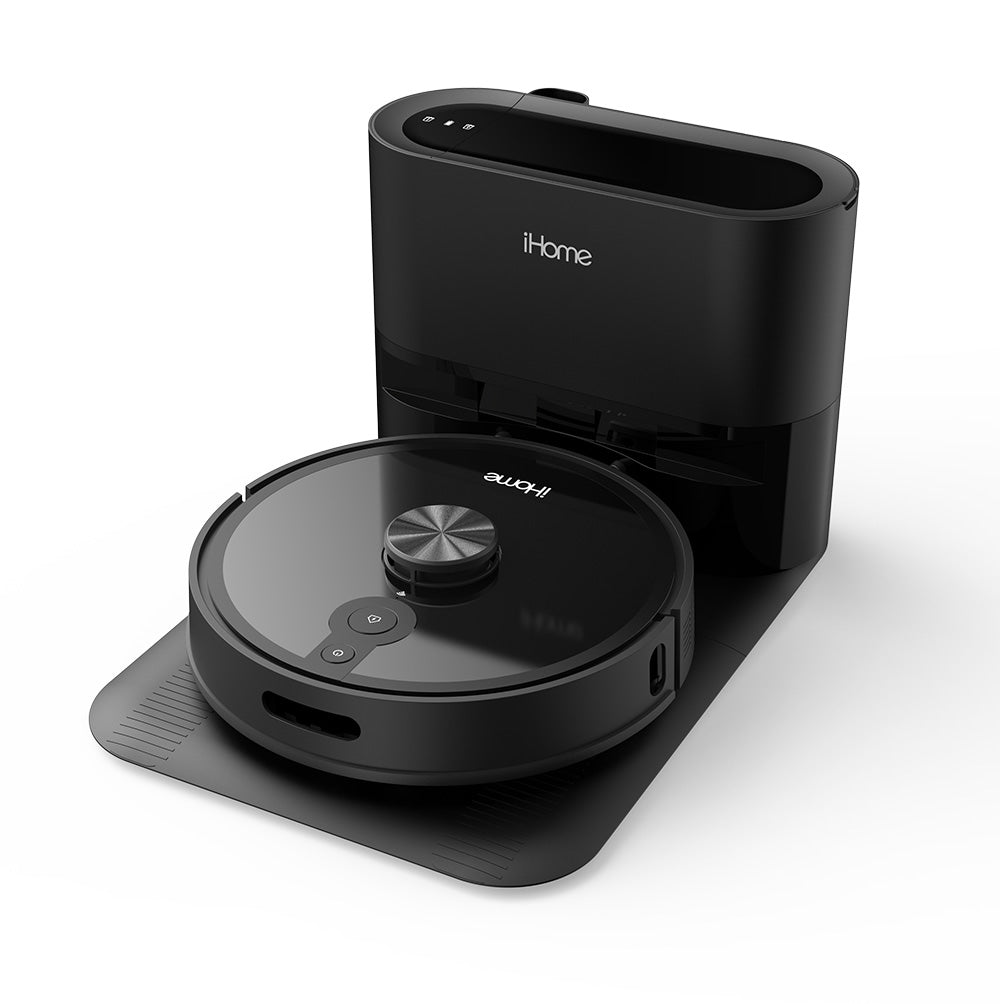
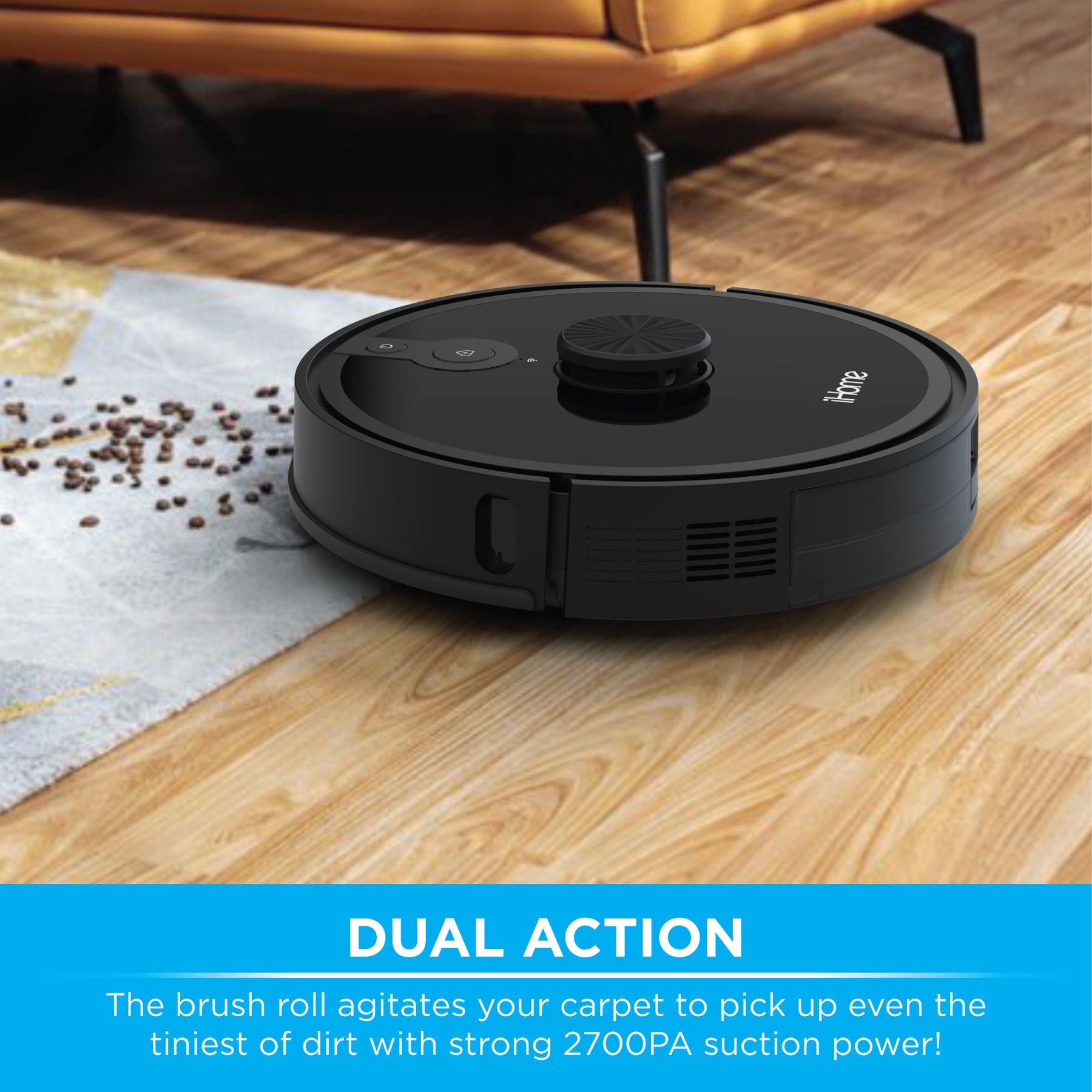
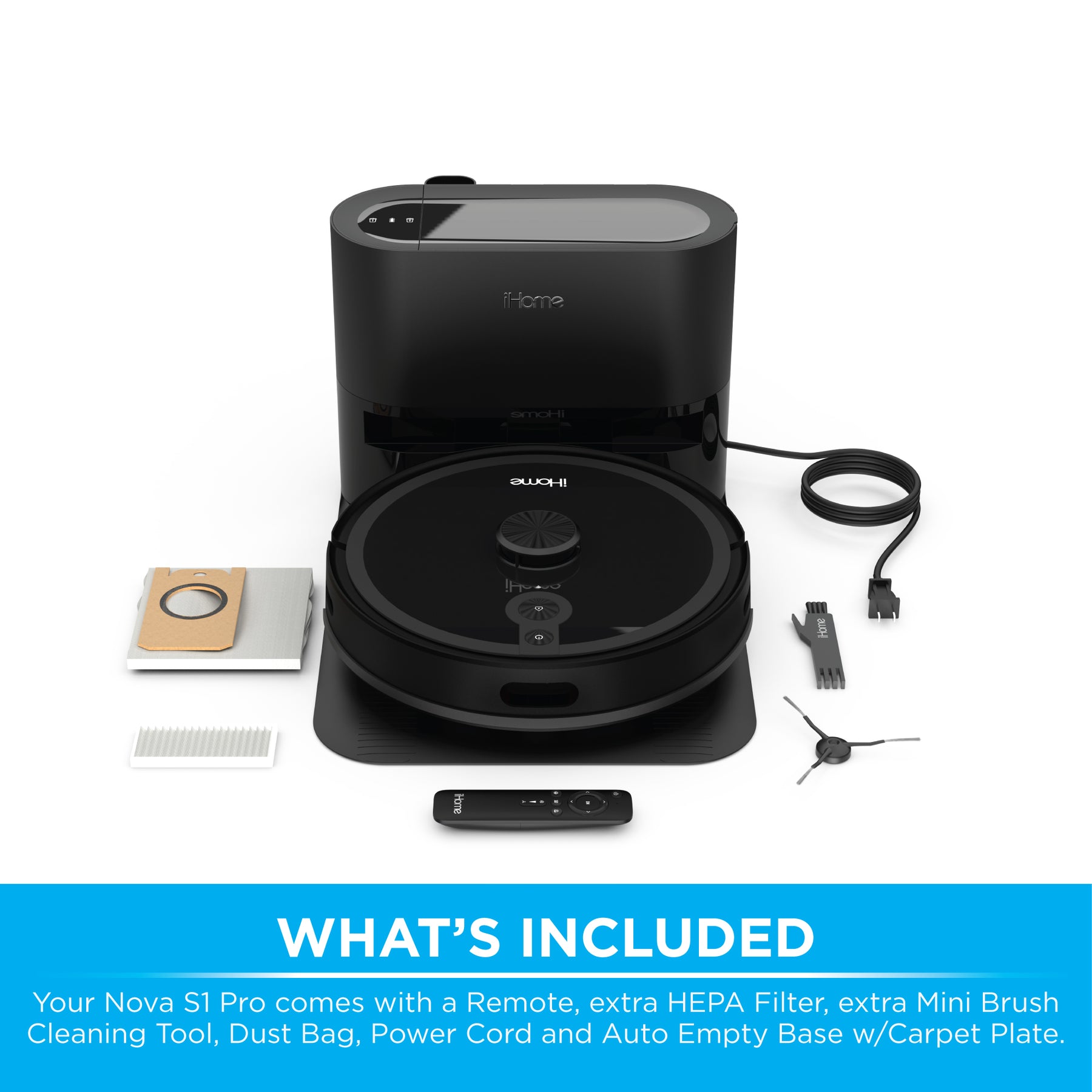
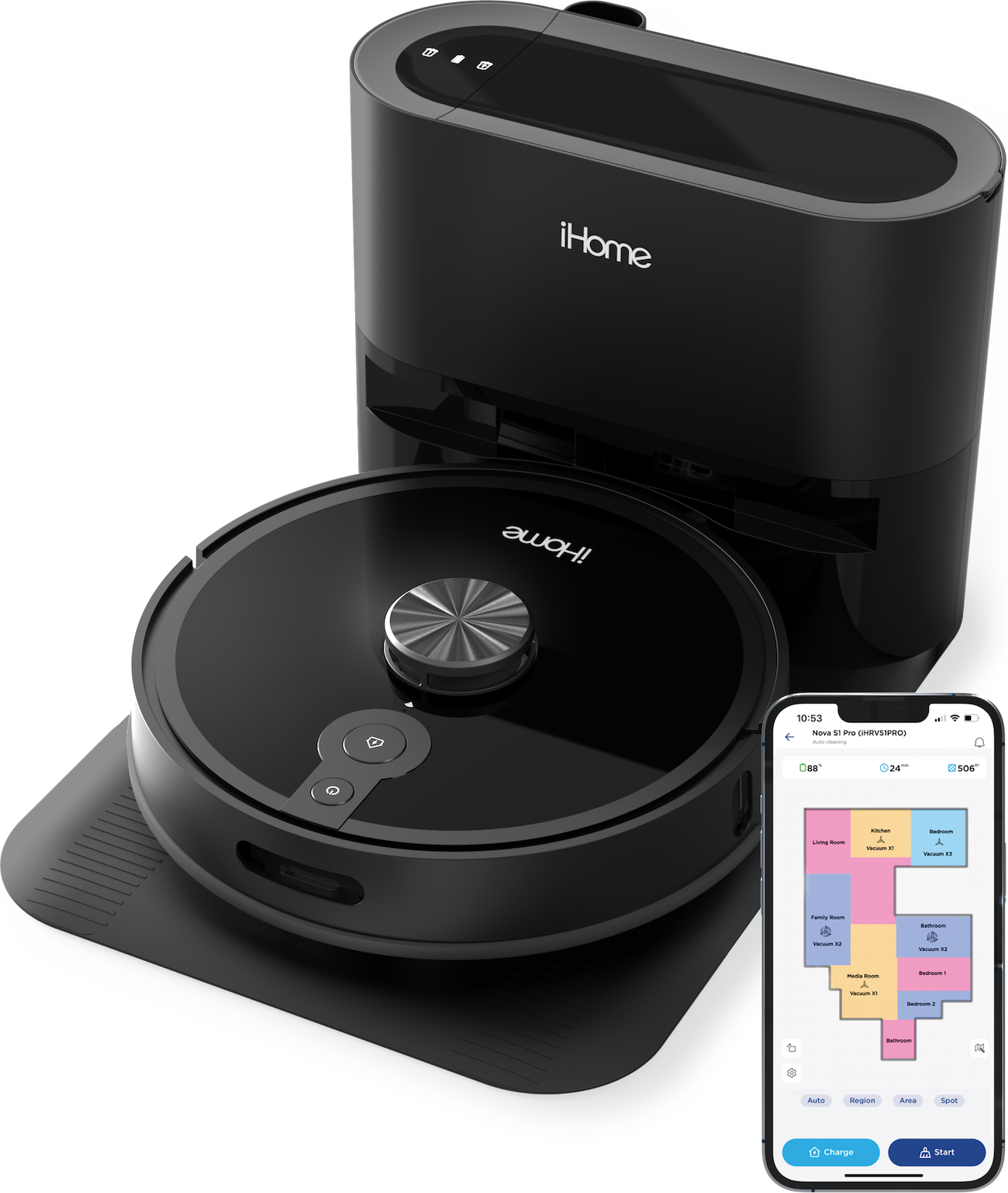
The iHome AutoVac Nova S1 Pro is praised for its revolutionary Auto Empty Base, outstanding suction power, and LIDAR navigation. Customers highlight its impressive performance on various floor types and its user-friendly app. The vacuum is also noted for its ability to clean specific rooms and its overall effectiveness.
Review topics: [].
"Very happy with it so far! Mapping ability is amazing and being able to add "no go" areas is super helpful. Seems to do a great job on everyday messes from two little boys and inside pets!"
"I can not use it because of the cliff sensor error. I have large rugs that set this off. I have been trying to get this fixed."
"Right before warranty was up the vacuum stopped being able to move when on. I sent it in, got it back and within a year the same issue. I have a large, dusty paper weight now."
"It was such a good machine until it wasn’t. It only lasted about 6 months. It won’t connect to WiFi and it won’t charge. I bought this on sale thinking I got a good buy, but now I’ll have to say goodbye to this lump."
"I was happy when I purchased this robot through Walmart. Saved hundreds! However, the constant small issues with internet connectivity, side brush errors, and the robot stopping mid cycle started to become more than a little frustrating. The final nail in the coffin was the vacuum would not perform a restart and was stuck in a loop of wheel, cliff, and motor errors. Customer service offered 25% off another purchase."
"Thankfully, I bought the extended warranty. After a few months, it quit working and it would have this annoying beeping sound saying that there was a problem with the fan and I needed to contact customer service. they did send me a return label. I sent it back and they eventually sent me another one, but it took about a month between the time I sent it back and I got the new one and now I’m having the same problem. When it worked, it did well even went over area carpets without getting stuck. But having to send it back, every few months is not something I’m looking forward to. I may have to buy another one to use while I’m waiting for this one to get fixed, but I will not buy this brand again."
"It was fine for about a year and a half. All of a sudden one of the wheels became stuck (the wheel is clean and free of debris it just doesn't move). I contacted support and was told they didn't have any repair options. I wasn't even asking for a free repair. I was happy to pay, but was told they don't do repairs. I have to throw away a $400 vacuum because the company just decided they don't do repairs. Incredibly wasteful and anti consumer policies."
"I've had mine for over a year and love it. I'd recommend for sure. I've got both wood and carpet."
"This is an average robot vacuum!"
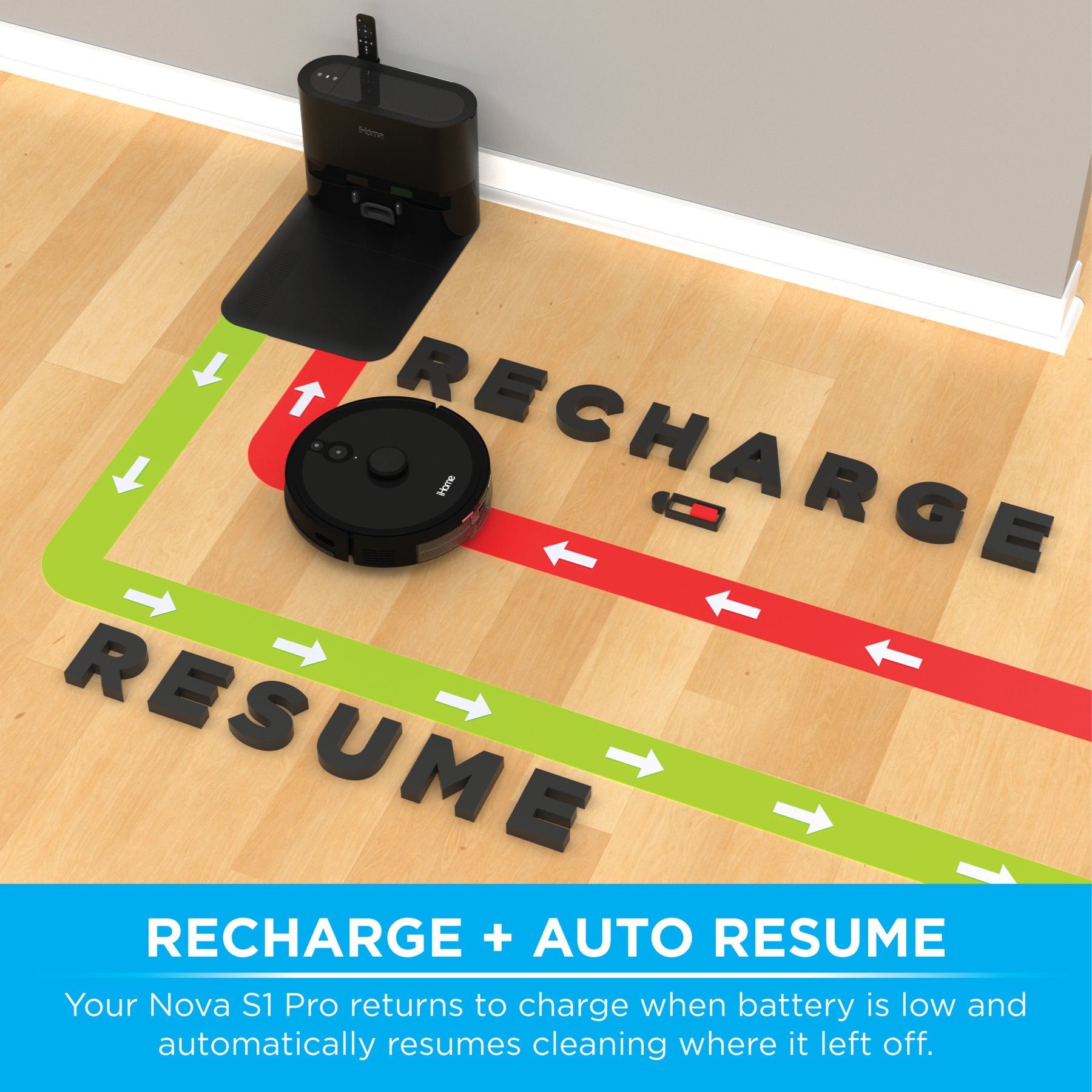
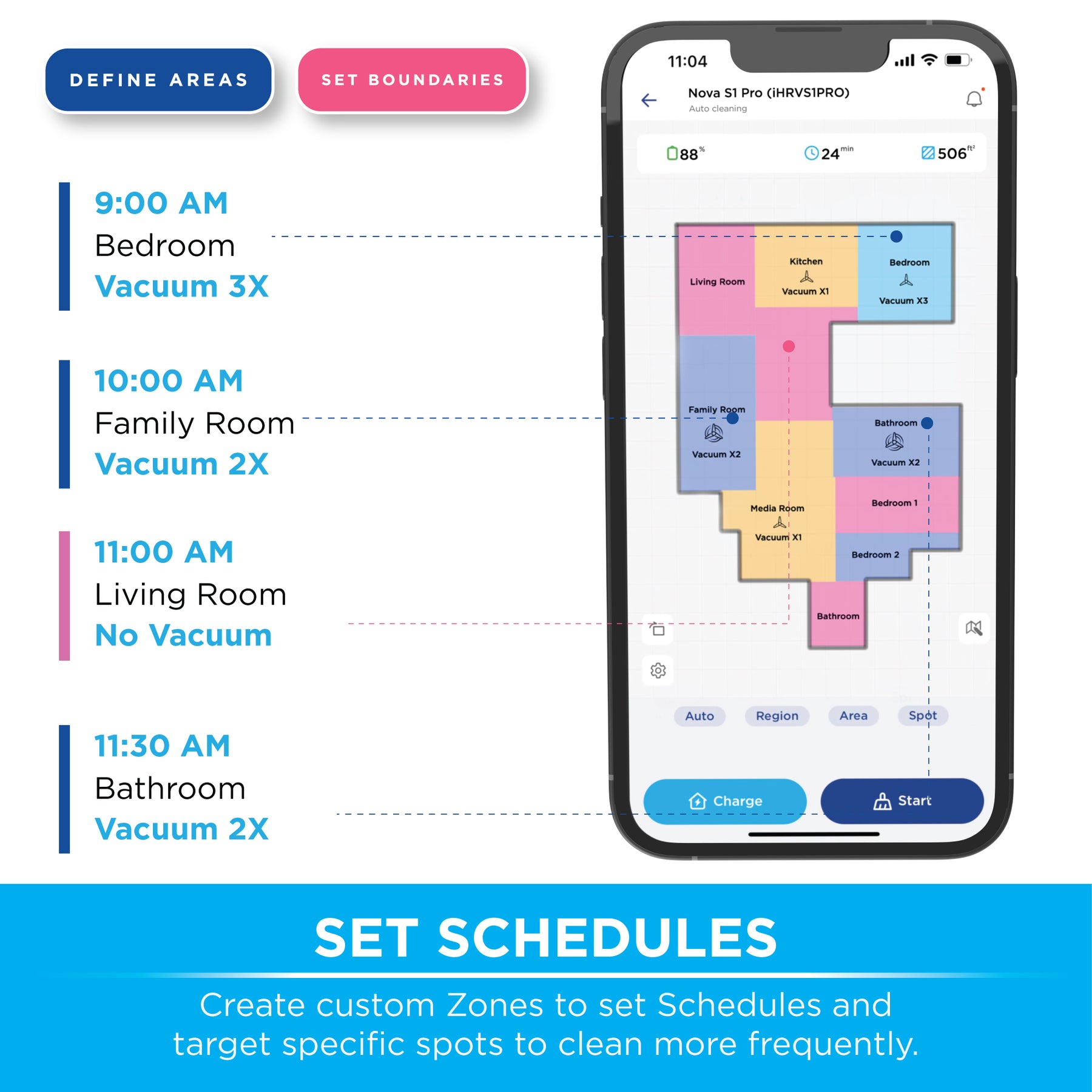
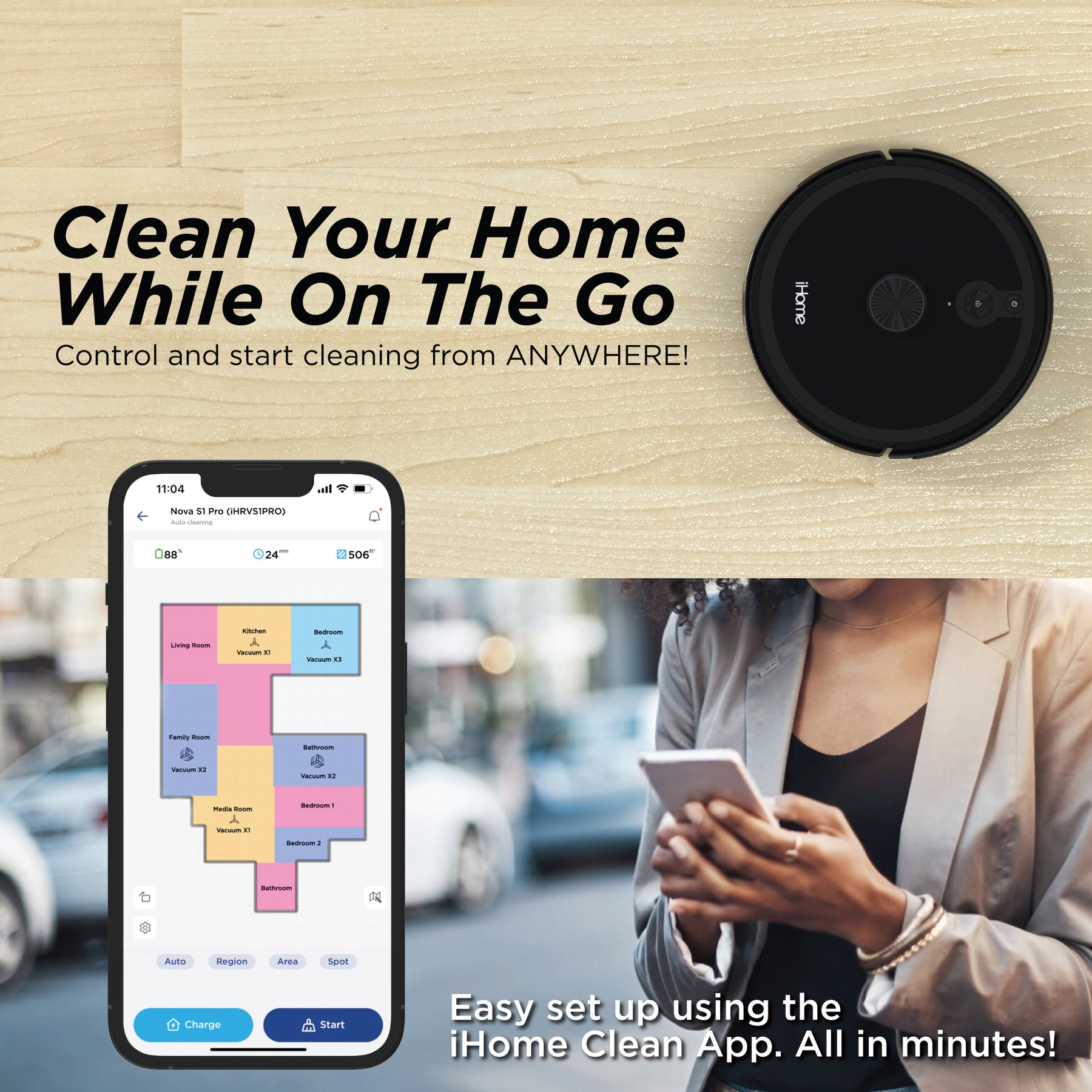
"I really like this iHome Nova S1 Pro. I purchased it as a refurb on Amazon and wasn’t expecting it to be very good for the little I paid, but I was wrong. If you are looking for a robovac that goes in straight lines, has the ability to self empty, saves your floor plan that it cleans, allows you to label rooms, insert barriers where you don’t want it to go, schedule cleaning sessions and modify the plan via your phone app, this might be for you. You MUST have the ability to connect the device to 2. 4 Ghz WiFi (5 Ghz will NOT work). The issue I had during setup was the initial connection to my WiFi. The directions say to simultaneously press and hold the power & home button to enter WiFi setup. THAT DOESN’T WORK. You have to make sure the vac is charged, off the the base, turned on (blue lights showing, not green lights that would show if it’s on the base) and then press and hold ONLY the Home button for 5 seconds. You will hear, “Entering wifi setup,” and you then proceed. The other issue I had was after it had vacuumed 2 days in a row, it dropped its internet connection. I was able to resolve that by assigning an IP to it instead of allowing DHCP to assign the IP. You may have to Google, “How to assign manual IP address” for your router in order to complete this step. I have this cleaning 3 large rooms that have wall to wall Berber type carpeting. For smooth surfaces or Berber type carpet, this device cleans beautifully and is a bargain at $100. One more thing; the directions say your WiFi password CANNOT contain special characters. Therefore, I first tried to connect it to my “Guest” WiFi which has a very simple password. It would not connect to my 2. 4 Ghz Guest WiFi. I then tried to connect it to my regular 2. 4 Ghz WiFi, which has all kinds of special characters, and it worked instantly. My guess is that the newer firmware now has the capability to recognize special characters for passwords. Conclusion, I LOVE THIS device, especially if you can find it refurbished or renewed at around $100."
Promotions, new products and sales. Directly to your inbox.